Clear Connect
Every tracker you own, unified in one view — steps, calories, sleep, resting heart rate, and HRV. Read live from Apple Health or Health Connect on your phone. Free: no extra subscription for Clear Connect. Metrics are shown to you on-device and are not stored on our servers.
🔒 Zero health metric values leave your deviceHealth APIs disclosure
Clear Connect displays metrics already stored on your phone. We read them only when you open the dashboard or tap Refresh. Raw values are shown on your device and are not uploaded to Clearli servers.
Apple HealthKit (iOS)
Clear Connect uses Apple HealthKit to read steps, active calories burned, sleep (asleep time), resting heart rate, and heart rate variability from the Apple Health app.
Clearli does not use CareKit. We do not write health records to HealthKit.
You can revoke access anytime in Settings › Health › Data Access & Devices › Clearli.
Google Health Connect (Android)
Clear Connect uses Google Health Connect to read steps, active calories burned, sleep, resting heart rate, and heart rate variability from apps and devices you have linked to Health Connect.
We only read data types you allow; we do not write health records to Health Connect.
Revoke access anytime in Health Connect › App permissions › Clearli.
Mobile app
Inside the Clearli app, Clear Connect uses Apple HealthKit on iPhone and Google Health Connect on Android for the metrics listed above. Clearli does not use CareKit on iOS.
What you can see: The basics!
Five metrics per device, with optional side-by-side comparison when you wear more than one tracker.
- 👟 Steps
- Step count for the timeframe you pick. If you use both a phone and a watch, each appears separately so totals are not blindly merged.
- 🔥 Calories
- Active energy burned (kcal) from your health hub — the same kind of “active calories” your watch or phone reports, summed for the period.
- 🛌 Sleep
- Time actually asleep (light, deep, REM, and general asleep stages). Time in bed awake is excluded. Shown as hours and minutes (for example 7h 32m).
- ❤️ Resting HR
- Resting heart rate in bpm. For longer ranges we show an average across the period.
- 📈 HRV
- Heart rate variability in milliseconds (ms) when your sources provide it. For longer ranges we show an average.
Time ranges on the dashboard
- Daily — from midnight today until now.
- Weekly — rolling last 7 days including today.
- Total — up to the last 365 days (useful for a long-view snapshot).
Switch tabs on the live dashboard; numbers update from your phone each time you open the screen or tap Refresh.
What we cannot show
Clear Connect is a simple visualisation dashboard for your already logged data, not a dedicated tracking app like whoop! But most of you just need the basics, without a paywall!.
- No live workout heart rate, blood oxygen (SpO₂), ECG, blood glucose, or body weight on this screen.
- No vendor “sleep score” unless your source exposes it through the same sleep data (today we show sleep duration).
- Not a medical device — for wellness and self-tracking only. Do not use it to diagnose or treat any condition.
No watch? Your phone still counts
iPhones and Android phones already record steps (and other basics) through Apple Health or Health Connect. You do not need a band to use Clear Connect — connect once and we surface whatever your phone and permitted apps already store.
How it works
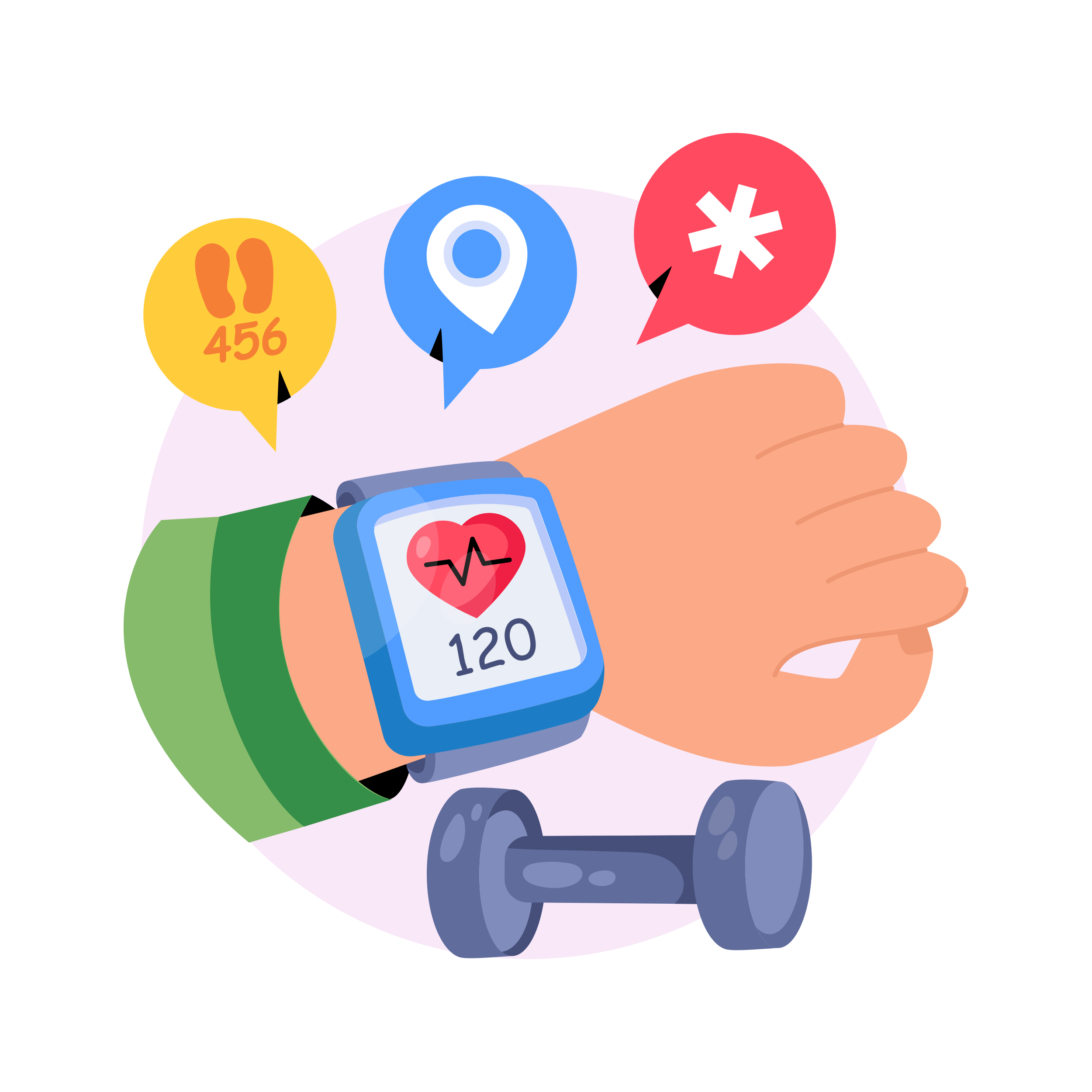
Where the data comes from
- Your watch, ring, or phone records activity in its own app.
- That app syncs into Apple Health (iOS) or Google Health Connect (Android).
- Clear Connect reads from that hub only while you are looking at the dashboard, with your permission.
- Values stay in your phone’s memory for display — we do not upload steps, sleep, heart data, or HRV to Clearli servers.
We may save a small account flag that you connected Health (and a “last updated” timestamp) so the app remembers your choice. No metric numbers are stored in our database, its a simple display of your already recorded data.
Your permissions & control
- iPhone: Settings › Health › Data Access & Devices › Clearli — turn individual metrics on or off anytime.
- Android: Health Connect › App permissions › Clearli — allow only what you want shared.
- Hide a tracker from the comparison table in-app without deleting data from Apple or Google.
- Revoke access entirely by disabling Clearli in Health settings or disconnecting in Clear Connect.
If permission is off, Apple and Google return empty data (not an error) — we show a helpful hint instead of guessing.
Supported devices
iPhone
- Apple Watch — native, all metrics
- iPhone motion (steps)
Android
- Fitbit — native
- Pixel Watch / Wear OS
- Samsung Galaxy Watch
iPhone + Android
Get connected in 2 steps
iPhone: open your tracker’s app → Apple Health → Connect → Allow.
Clear Connect runs inside the mobile app · Health data policy · Support